Free. No signup. No watermark.
Brat Green Hex Code: #8ACE00 and Every Color Format
Brat green is #8ACE00, which is RGB 138, 206, 0 and HSL 80°, 100%, 40%. The album cover’s designer shared that code, though another code, #89CC04, also circulates. BratGen Free uses #8ACE00 in its Brat green preset, runs in your browser with nothing uploaded, and exports PNG, JPEG or WebP. Free, no signup, no watermark. Independent, and not affiliated with Charli XCX.
Type a word to see your brat image.
0 = sharp, higher = softer
WebP is not supported in this browser.
Choose the Brat green preset for #8ACE00, or type any hex code into the custom color field.
Brat Green at a Glance
|
Detail |
Value |
|---|---|
|
Hex |
|
|
RGB |
138, 206, 0 |
|
HSL |
80°, 100%, 40% |
|
CMYK (approximate) |
33, 0, 100, 19 |
|
Pantone |
Some sites say 3507 C; not confirmed |
|
Also seen |
|
What Is the Brat Green Hex Code?
The brat green hex code is #8ACE00 (RGB 138, 206, 0). The album cover’s designer, Brent David Freaney, gave this code when a type foundry asked for it. Some sites list #89CC04 as the official code instead. The two look almost identical on screen, so use #8ACE00 unless you have a reason not to.
The two codes are only a few steps apart on each color channel. That gap is too small to see on most screens, which is why the mix-up lasted. If you need to match a specific file, use a color picker on the file itself.
Brat Green in Every Color Format
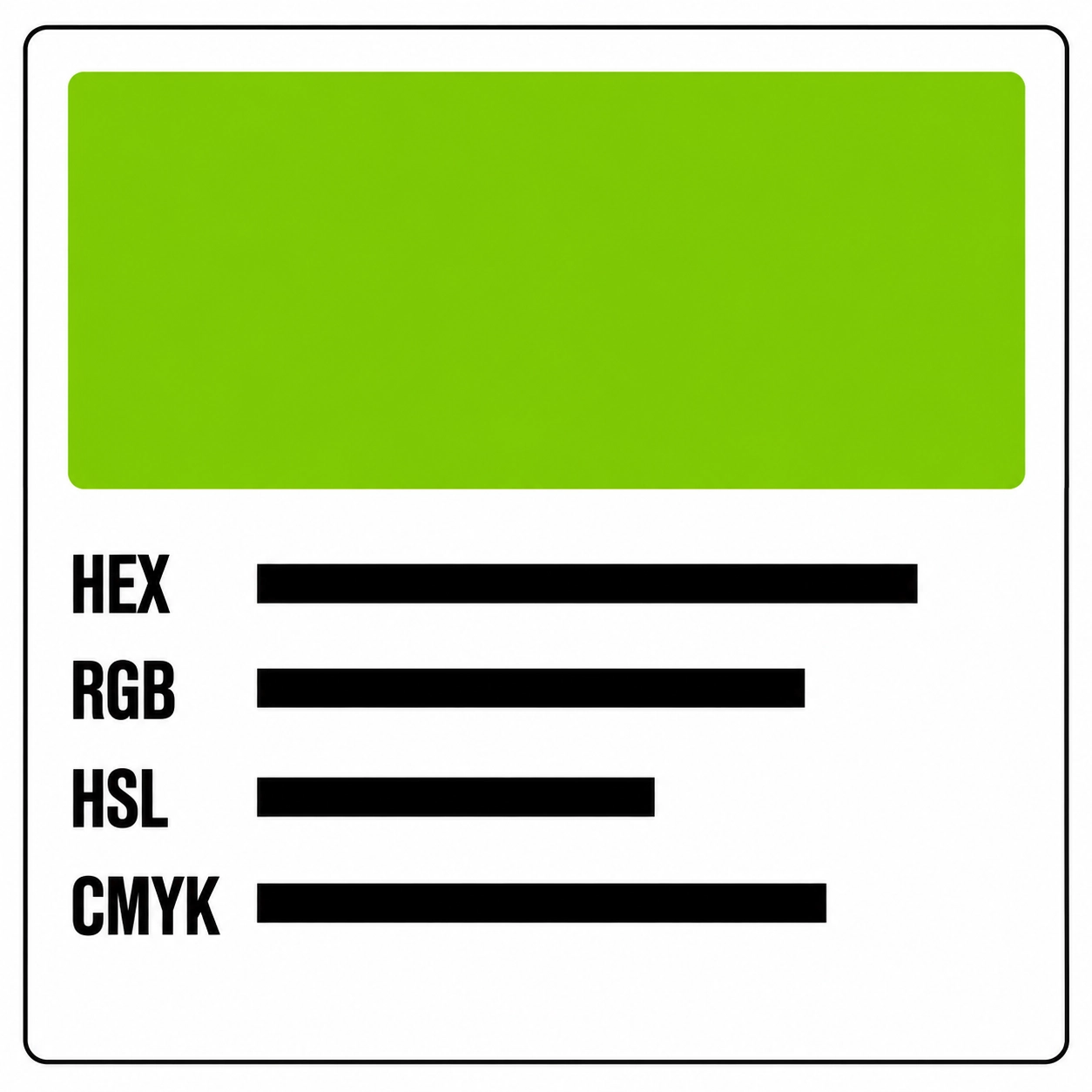
Copy the format your tool asks for. Web tools use hex, design apps often want RGB, and print work uses CMYK. The values below all describe the same color, and CMYK is an approximation.
|
Format |
Value |
Where it is used |
|---|---|---|
|
HEX |
|
Web, Canva, most color pickers |
|
RGB |
138, 206, 0 |
Design apps, screens |
|
HSL |
80°, 100%, 40% |
Adjusting lightness in code |
|
HSV |
80°, 100%, 81% |
Some color pickers |
|
CMYK |
33, 0, 100, 19 |
Print, approximate |
Why Does Brat Green Look Different on Screens and in Print?
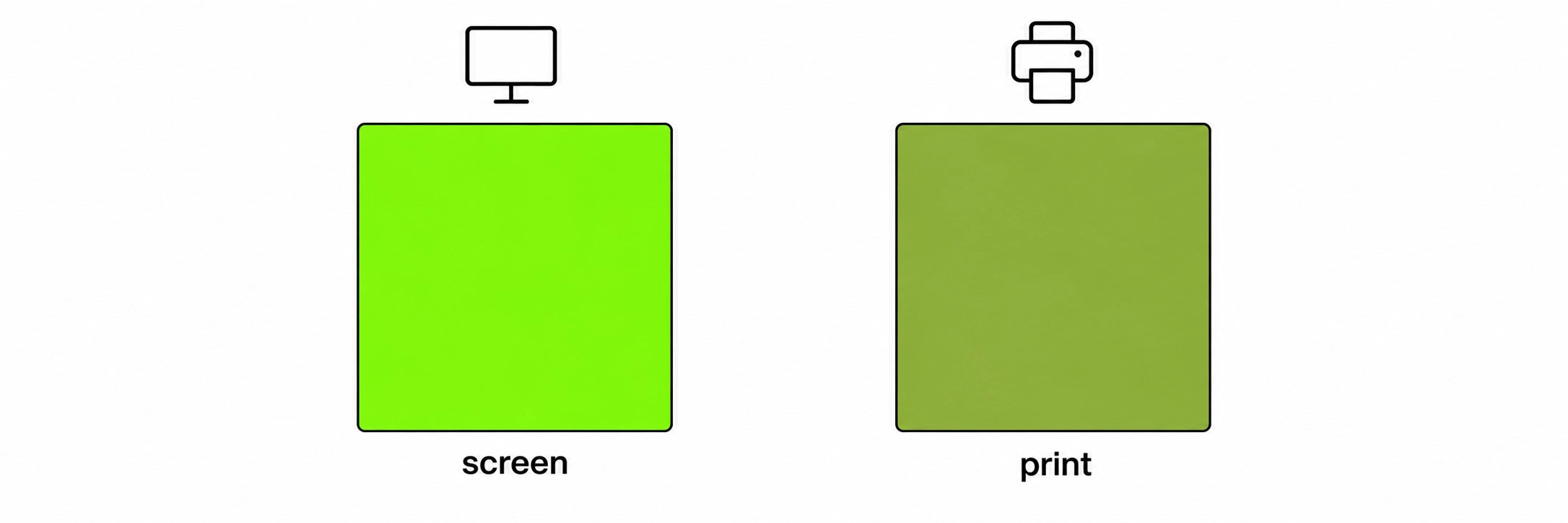
Screens make color with light, and printers make it with ink, so they cannot match exactly. Bright greens like #8ACE00 usually look duller in print. Screen brightness, night mode and display type also change how it looks. For print work, ask the printer for a proof.
Which Text Colors Work on Brat Green?
Black works best. It reads clearly and matches the classic look. White is weak on this green. The table shows contrast ratios against #8ACE00. WCAG guidelines ask for at least 4.5:1 for normal text and 3:1 for large text.
|
Text color |
Hex |
Contrast on |
Verdict |
|---|---|---|---|
|
Black |
|
about 10.9:1 |
Excellent |
|
Near-black |
|
about 10.2:1 |
Excellent |
|
White |
|
about 1.9:1 |
Poor |
|
Off-white |
|
about 1.8:1 |
Poor |
brat
Black — 10.9:1 (excellent)
brat
Near-black — 10.2:1 (excellent)
brat
White — 1.9:1 (poor contrast, demo only)
brat
Off-white — 1.8:1 (poor contrast, demo only)
How Is Brat Green Different From Lime and Chartreuse?
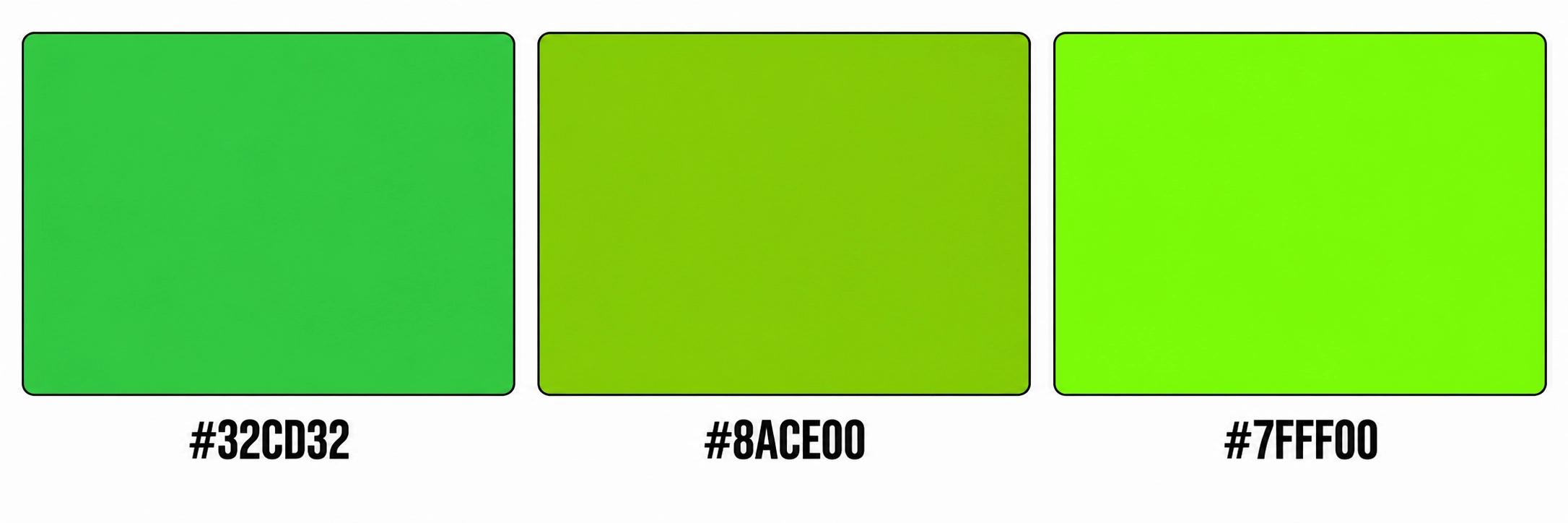
Brat green sits between lime green and chartreuse. It is more yellow than standard lime green and darker than chartreuse. The hue and lightness values below show why it looks harsher than a friendly lime, which is part of its appeal.
|
Color |
Hex |
HSL |
|---|---|---|
|
Lime green |
|
120°, 61%, 50% |
|
Brat green |
|
80°, 100%, 40% |
|
Chartreuse (web color) |
|
90°, 100%, 50% |
brat
Lime green — #32CD32
brat
Brat green — #8ACE00
brat
Chartreuse — #7FFF00
How Do You Use Brat Green in Your Own Designs?
Open your color picker, type the hex code (with or without the # sign, depending on the app), and save it as a swatch. Every major design tool accepts hex. Save it once and reuse it across a project so the green stays consistent.
To make an image in BratGen Free:
- Type one to four lowercase words.
- Choose the Brat green preset, or enter
#8ACE00in the custom color field. - Set the blur.
- Choose a shape.
- Download a PNG, JPEG or WebP, or copy the image.
What Mistakes Make Brat Green Look Wrong?
The main mistakes are mixing two similar codes in one project, using weak text colors, softening the green, and judging it on a single screen. Any of these makes the green look less like the original.
- Mixing #8ACE00 and #89CC04. Pick one and stick with it.
- White or off-white text. Contrast is poor.
- Adding gradients or shadows. A flat color is part of the look.
- Heavy compression. A JPEG can add slight noise to flat color; use PNG when you need it clean.
- Trusting one screen. Check on a phone and a laptop.
Brat Green FAQ
Is BratGen Free Private?
Yes. BratGen Free draws your text in your own browser, so it is not uploaded.
It is an independent fan-made tool inspired by the style associated with Charli XCX’s album Brat, and it is not affiliated with or endorsed by Charli XCX or her label.
More on the brat generator home page.
Read more: ABC Dinamo: font and color chat with the cover’s designer · Wikipedia: Brat (album) · W3C: contrast minimum guidance
By the BratGen Free Team. Last updated September 2026. BratGen Free is a small, independent tool for making brat-style images in your browser, with no accounts or watermarks.