Brat Album Cover Maker — Free Brat Album Cover Generator
A brat album cover maker helps you make a square album-style cover in the brat look: black lowercase text, stretched wide, slightly blurred, on bright brat green. You type a word or a short line, shape the text, and download the finished image. It is a quick way to make a cover for a playlist, a single, a profile picture, or a social post, without opening design software.
Tip: press Enter in the text box for a new line. The brat look is stretched lowercase Arial with a slight blur, on brat green #8ACE00.
What Makes a Brat Album Cover?
A brat album cover is recognised by a small set of choices, repeated with confidence. The background is usually the bright green associated with the brat album, the text is black, lowercase, and stretched horizontally, and the whole image is a little soft, as if it has been slightly blurred. Nothing else competes for attention: there is no photo, no border, and no extra decoration.
The typeface look is the stretched lowercase Arial style used for the album artwork. In a brat album cover maker, that effect is built in, so you do not need to stretch the letters yourself. The brat font page explains the lettering in more detail, and the guide Brat Font: What It Is and How to Recreate It shows how the look is put together.
Colour is the other half of the style. The green is strong and slightly acid, and it needs to stay consistent if you reuse it elsewhere. The brat green hex code page gives the exact value, and the colour format guide lists the same green in the other formats you may need in another app.
- Bright brat green background, with no photo or pattern behind the text.
- Black, lowercase text, stretched wide and set low in the square.
- A small amount of blur, so the letters look soft rather than razor sharp.
- One short word or line only, with plenty of empty green around it.
- A square shape, so the cover works in the same way on most platforms.
How to Make a Brat Album Cover Step by Step
Start with the word that will carry the cover. A single word, an artist name, or a very short phrase works best. Long titles crowd the square and lose the joke, so keep the text to a handful of words at most.
- Choose your word or short line, and check the spelling. A typo is the hardest thing to miss at a small size.
- Type it in lowercase in the BratGen Free tool, and keep it to one line where possible.
- Pick brat green as the background and black as the text colour for the classic cover.
- Stretch the text wide, and move it low in the square, leaving clear green space above it.
- Add a light blur, then preview the cover at thumbnail size before you download it.
- Download the image as PNG, and keep a second copy at the size your platform needs.
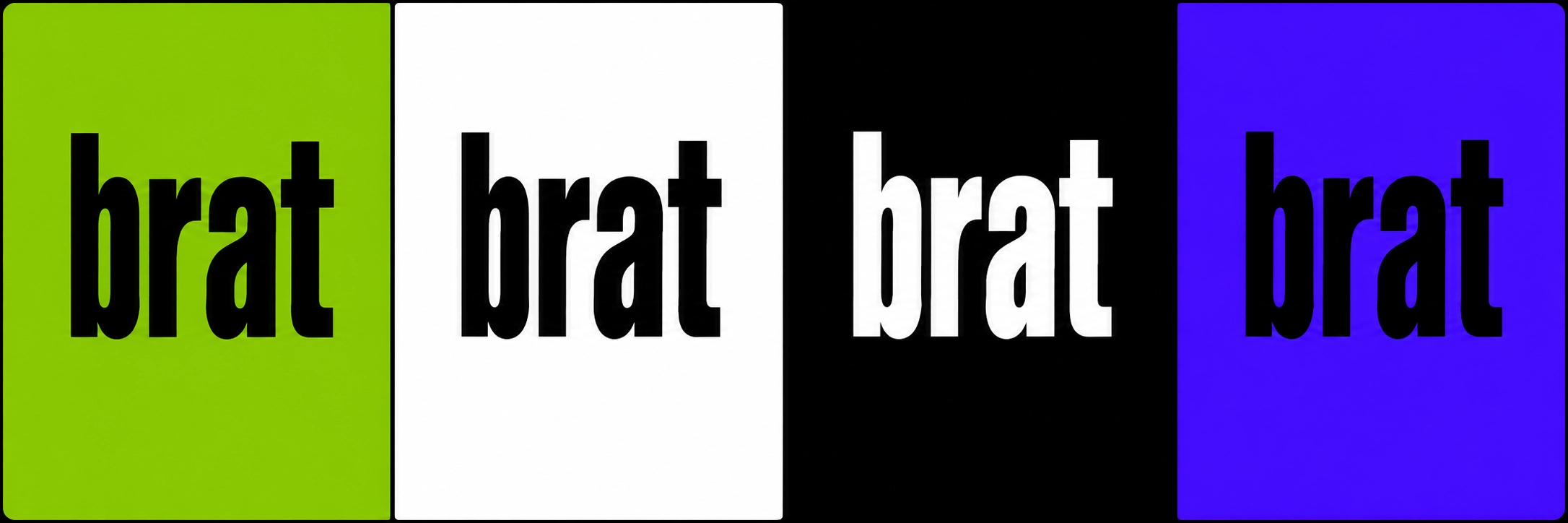
If the cover is for a white-text variant instead, read the brat generator white text page first. White text suits dark backgrounds and a quieter mood, while black on green is the bolder, more recognisable choice for an album cover.
Sizes for Spotify, Apple and Social Profiles
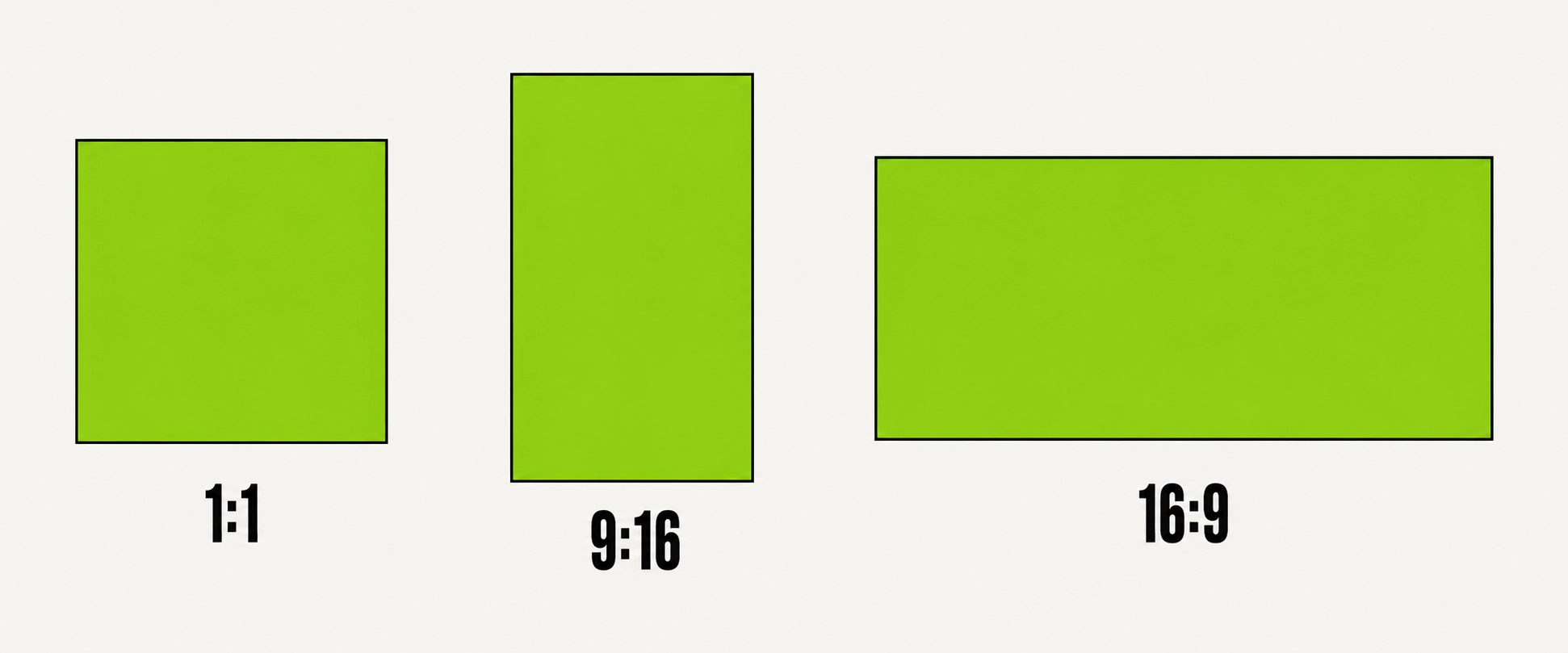
Album covers are square, but the size you need depends on where the image will be shown. A large square export gives you room to crop or shrink it later without the text going soft. Always start large, and make smaller copies from it, rather than stretching a small image up.
- Spotify and Apple Music covers: use a large square, at least 1400 by 1400 pixels where the tool allows it, so the artwork stays clear on large screens.
- Social profile pictures: use a square export, and check the centre of the image, because profile pictures are often cropped into a circle.
- Social posts and stories: use a square for a feed post, and only switch to a tall or wide shape if the platform layout demands it.
- Playlist covers: use a square, and test it next to other playlist artwork, so you can see whether the word is still readable.
Whatever size you choose, preview the finished cover at the size people will actually see it. A cover that looks striking at full size can become unreadable as a small thumbnail in a list, and that preview is the best time to shorten the word or raise the contrast.
Tips for a Better Brat Album Cover
- Use one idea per cover. If you need two words, make sure they read as a single short phrase.
- Keep the text low and off-centre, as on the original album artwork, rather than centring it neatly.
- Do not add a logo, a border, or a second colour. The strength of the style is its plainness.
- Use a light blur only. Heavy blur makes the word hard to read, especially on a phone.
- Check the cover in a list or grid view, where it will sit beside other artwork.
- Save the largest export you can, and make smaller versions from it for each platform.
For more on the lettering, colour, and white-text choice behind a good cover, see the BratGen Free homepage, the brat font page, and the white text setup guide. They explain the same choices in more detail, so this page can stay focused on the cover itself.
Brat Album Cover Maker FAQ
What size should a brat album cover be?
Make it square, and as large as the tool allows, at least 1400 by 1400 pixels for a music cover. You can always shrink a large image, but enlarging a small one will soften the text.
Do I need design software to make one?
No. A brat album cover maker handles the colour, stretch, and blur for you. Design software is only useful if you want to add the finished image to a larger layout afterwards.
Should the text be black or white?
Black text on brat green is the classic album cover look. White text works better on a dark background, or when you want a calmer, less loud version of the same style.
How much blur should I use?
Only a little. The blur should soften the edges of the letters without making any word hard to read. Preview the cover at thumbnail size to judge it fairly.
Can I use a brat album cover as a profile picture?
Yes. Export a square image, keep the word short, and check how it crops into a circle. If a letter is cut off, move the text or shorten the word.
Pick one short word, keep the green bright and the text low, and let the plainness do the work. The best brat album covers look simple, because every choice on them is deliberate.